Kontakt Scripting: Putting it Together Masterclass
About Course
Watch a complete Kontakt instrument come together from spec to delivery.
If you’re comfortable with the basics of Kontakt scripting and ready to see how a professional project is built from the ground up, this masterclass is for you.
In this course, I script a commercial Kontakt instrument in real time, fulfilling a client’s specification that includes mic mixing, true legato, articulation switching, velocity and mod wheel dynamics, round robins, and more.
You’ll follow the entire process from initial planning to final delivery, including bug fixes, client revisions, and efficient code structuring using a modular MVC framework. A real instrument, built step by step with clear explanations and practical techniques you can apply to your own projects.
This masterclass was originally published in 2016. While Kontakt has advanced since then, the scripting approaches and workflow demonstrated here remain highly relevant and are still used in professional sample library development today.
Whether you’re working on your own libraries or developing instruments for clients, this course will show you how to put it all together, cleanly, efficiently, and at a professional level.
Note: As I no longer actively work with Kontakt or KSP, instructor support for this course is limited.
Course Content
Putting it Together
-
15:21
-
Creating the Microphone Mixer UI
10:25 -
Group Setup, Sample Mapping, and Dynamic Control
28:42 -
Mic Mixer Functionality – Scripting Volume Control
17:01 -
Finalizing Mic Mixer – Purge Logic and Group Behavior
08:07 -
Articulation Switching and Group Set Control
17:19 -
Articulation UI and Key Switch Toggle System
10:30 -
Differentiating Articulation Types and Coloring Playable Ranges
24:23 -
UI-Controlled Articulations and Switch Synchronization
12:47 -
Finalizing Articulation Playback and Round Robin Fix
14:16 -
Starting the True Legato Script – Structure and Safeguards
13:31 -
Completing the True Legato Playback System
21:54 -
Release Triggers and Final Legato Testing
08:46 -
Settings Panel and Final Testing
19:28 -
Packaging & Delivery
07:02 -
Client Revisions, Final Fixes, and Curve Presets Installation
20:01
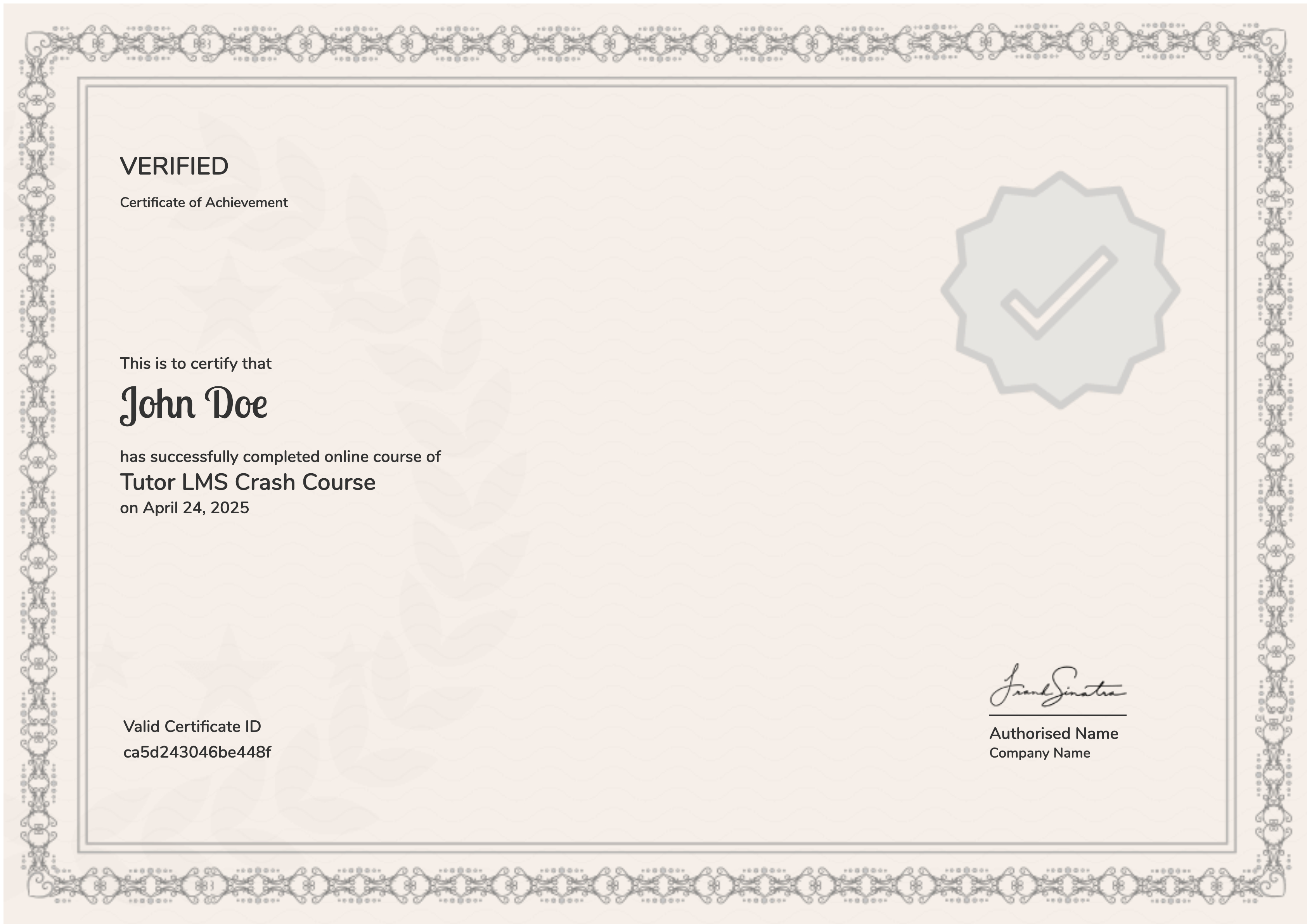
Earn a certificate
On finishing the course, you’ll receive a certificate of completion as a record of your work.
Student Ratings & Reviews
