HISE Scripting Launch Bundle is Now Available 08 Days 16 Hours 46 Minutes 46 Seconds Start Scripting

HISE Scripting: Foundations

Categories: Beginner, HISE, Sample Library
Wishlist Share
Share Course
Page Link
Share On Social Media

About Course

Learn to Script in HISE From Scratch

This course is the perfect starting point for anyone who wants to learn how to script in HISE, even if you’ve never written code before.

I’ll guide you step by step, starting with the basics, like writing your first line of code and building simple user interfaces, and gradually move on to more advanced concepts like functions, conditional logic, data structures, and MIDI input handling.

Build Interactive Projects

Throughout the course, we’ll put knowledge into practice by building projects, including a calculator, a mood detector, a password strength tester, and a playable synth with custom presets and a randomiser.

Each project is designed to reinforce the concepts you’ve just learned, making your progress feel practical and rewarding.

Master the Tools That Power Modern Instruments

You’ll learn how to use the HISE Script Editor effectively, interact with UI components, manipulate module parameters, and respond to MIDI events.

By the end of the course, you’ll not only understand the technical side of HISE scripting, you’ll have the skills to create responsive, flexible, and polished virtual instruments.

Why Enroll?

If you want to move beyond HISE’s no-code tools and build truly custom projects, this course will show you how.

It’s beginner-friendly, project-based, and taught in plain language. Whether you’re a sound designer, composer, or aspiring plugin developer, you’ll gain the scripting foundation you need to bring your ideas to life.

Accessible and Easy to Follow

Every video in the course includes subtitles in multiple languages to make learning as clear and accessible as possible.

Show More

What Will You Learn?

  • Understand how scripting works in HISE and how to use the Script Editor effectively
  • Write and structure clean, readable code using variables, functions, and control statements
  • Build interactive user interfaces with knobs, buttons, labels, and combo boxes
  • Respond to user input through control callbacks and dynamic UI updates
  • Use logic and loops to make decisions and automate tasks in your scripts
  • Work with arrays and objects to organize and manage complex data
  • Handle MIDI input using note and controller callbacks
  • Interact with sound modules and control parameters via scripting
  • Build projects with presets, randomization, and performance controls
  • Gain the confidence to move beyond no-code tools

Course Content

Module 1: The Fundamentals
Explore the core ideas of coding and how they apply to HISE projects, including simple skills like keeping track of information and working with text and numbers. Discover how to make your scripts respond when users interact with your plugin's interface.

Project 1: Calculator
We’ll put our new skills into practice by building a basic calculator using knobs, buttons, and labels. We’ll group buttons into a radio group, capture knob values, and perform arithmetic operations based on user input. Along the way, we’ll create control callbacks, update the UI with results, and refactor our code using functions for clarity and reusability. This project ties together core concepts like variables, control flow, and UI interaction in a fun, hands-on way.

Module 2: Reusable Code & Decision Making
Learn how to make your scripts easier to manage by grouping repeated actions into simple, reusable blocks. Discover how to add rules that let your script make choices and adapt to different conditions.

Project 2: Mood Detector
We’ll apply what we've learned about conditionals, comparison operators, and logic to build a fun interactive tool. Based on user input, our instrument will detect and display different moods, giving us hands-on practice with decision-making and dynamic UI updates.

Module 3: Automating Repetitive Tasks
Learn how to save time and reduce effort by letting your scripts handle repeated actions for you. If your project needs to do something more than once, you can tell it to repeat the steps automatically.

Project 3: Password Strength Tester
We’ll build a tool that analyzes a user’s input and gives feedback on how strong their password is.

Module 4: Core Data Structures
Learn how to keep track of complex information in your projects. You’ll see how to store and manage data in different ways, and how to search and group it so that it can be used effectively.

Module 5: Interacting with MIDI and Modules
Learn how to make your scripts respond to incoming MIDI signals from your DAW or MIDI controller. Discover how to interact with modules through scripting. Build on what you’ve learned so far to simplify your workflow and control multiple modules with a single action.

Project 4: Synth with Presets and Randomiser
Bringing everything together to build a fully functional synth instrument.

Final Thoughts
We’ll wrap up the course by reviewing what we’ve built and the skills we've gained. We'll highlight how everything fits together and suggest next steps for continuing your HISE scripting journey.

Earn a certificate

On finishing the course, you’ll receive a certificate of completion as a record of your work.
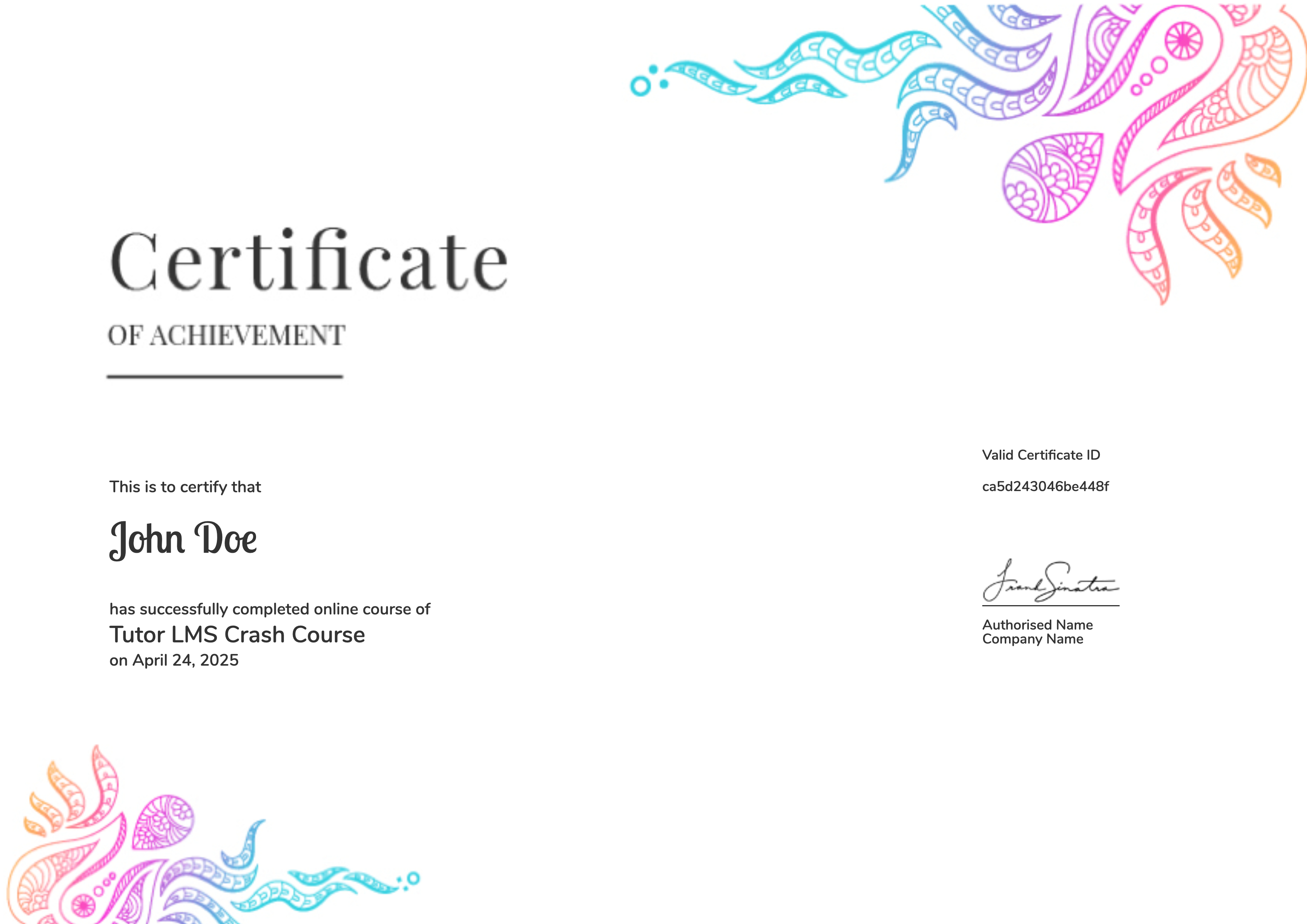
selected template

Student Ratings & Reviews

No Review Yet
No Review Yet